Both your phones.
One window.
Mirror and use your Android phone and your iPhone on your Mac, alone or side by side, from one button in the menu bar. Nothing to install on either phone.
$curl -fsSL https://github.com/ovitrif/twin/releases/latest/download/install.sh | sh
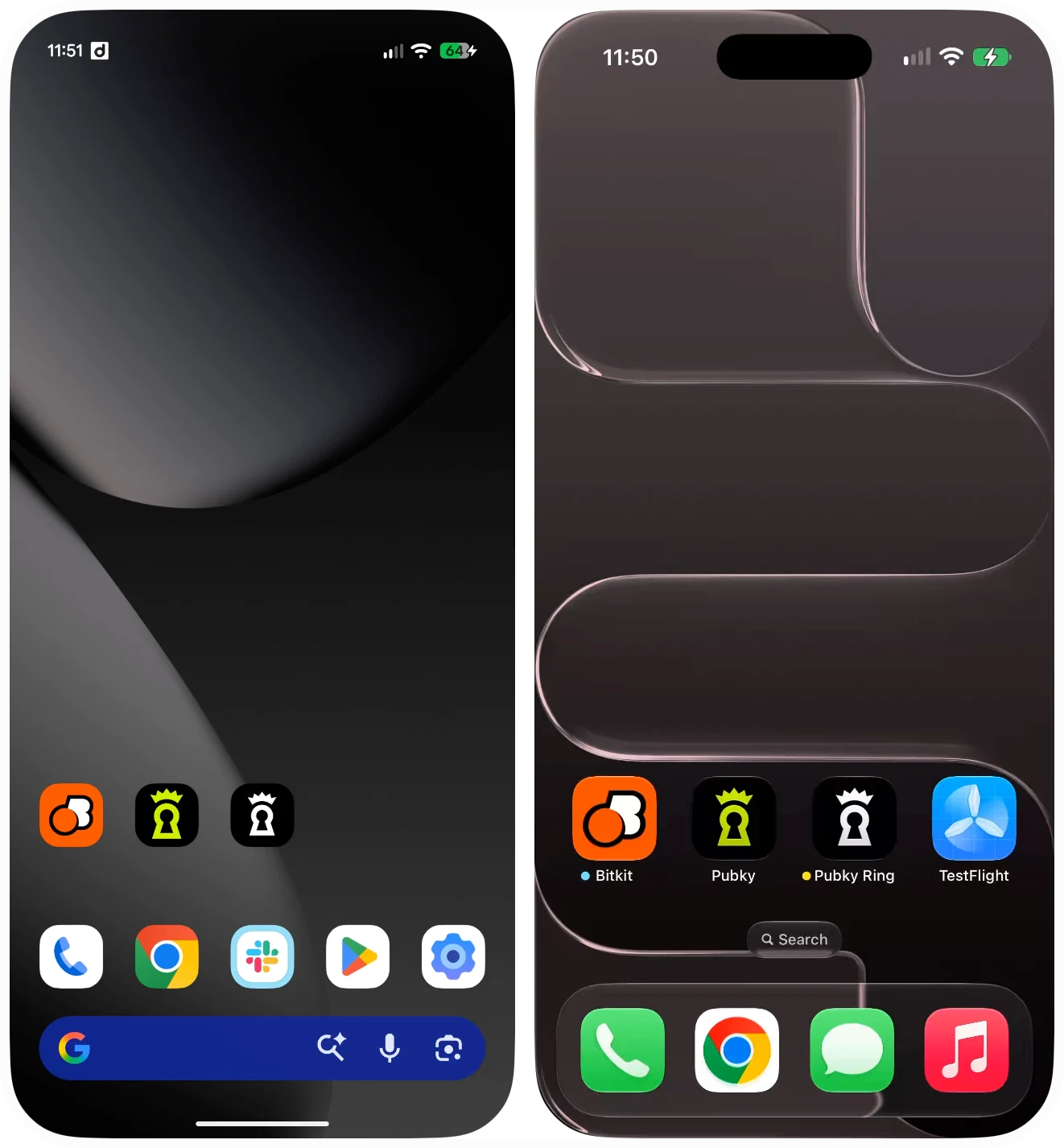
Live touch
Click, drag, scroll and type. Taps land on the exact point, on both phones at once.
The real iPhone
Its own status bar and clock over Apple's Device Hub stream, with no camera prompt.
Nothing extra for Android
Twin brings its own adb. Pair over Wi-Fi with a QR code, or plug in.
Every phone, one click away
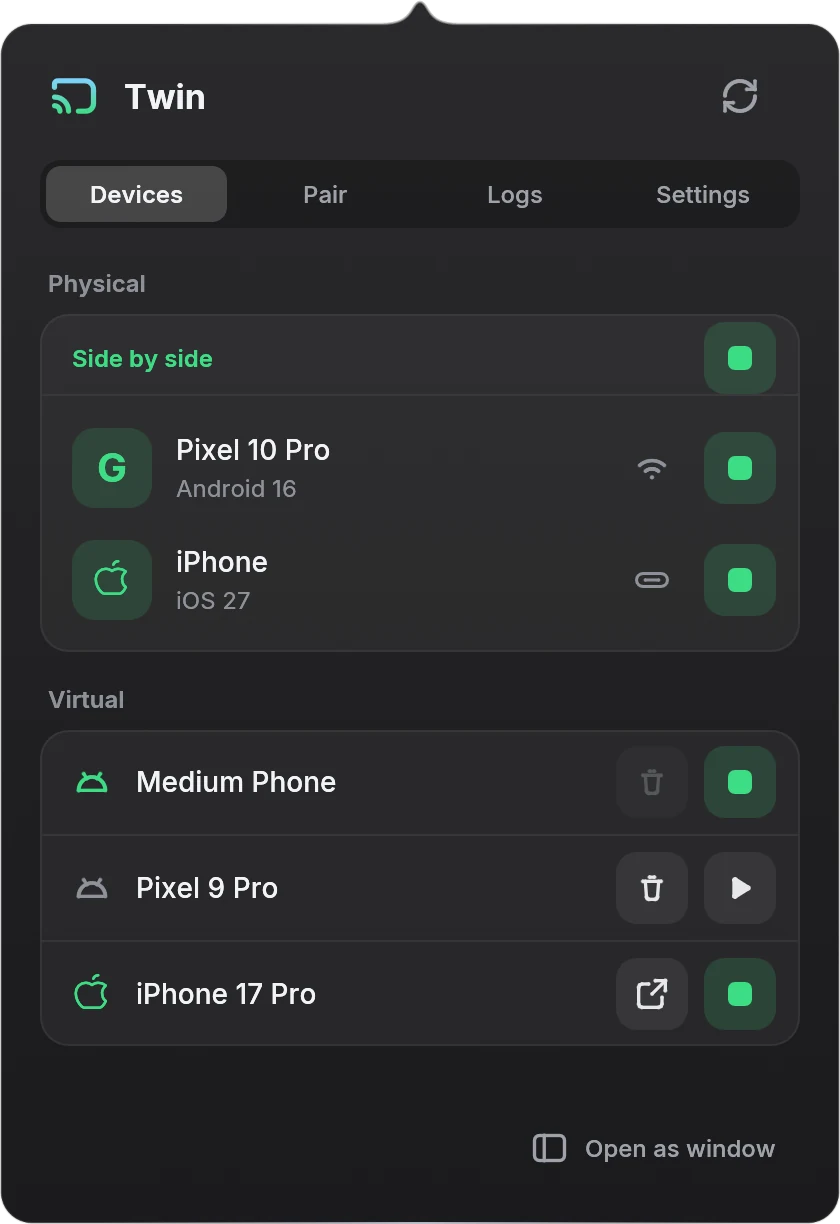
Your phones on top, your emulators and simulators below. With Side by side on, the Android phone and the iPhone open together in one window that moves as one; each can also open or hide on its own.
- Physical phones show their version and whether they're on Wi-Fi or USB.
- Start, stop and delete Android emulators; running iOS simulators show up too.
- Devices, Pair, Logs and Settings, a click or an arrow key apart.
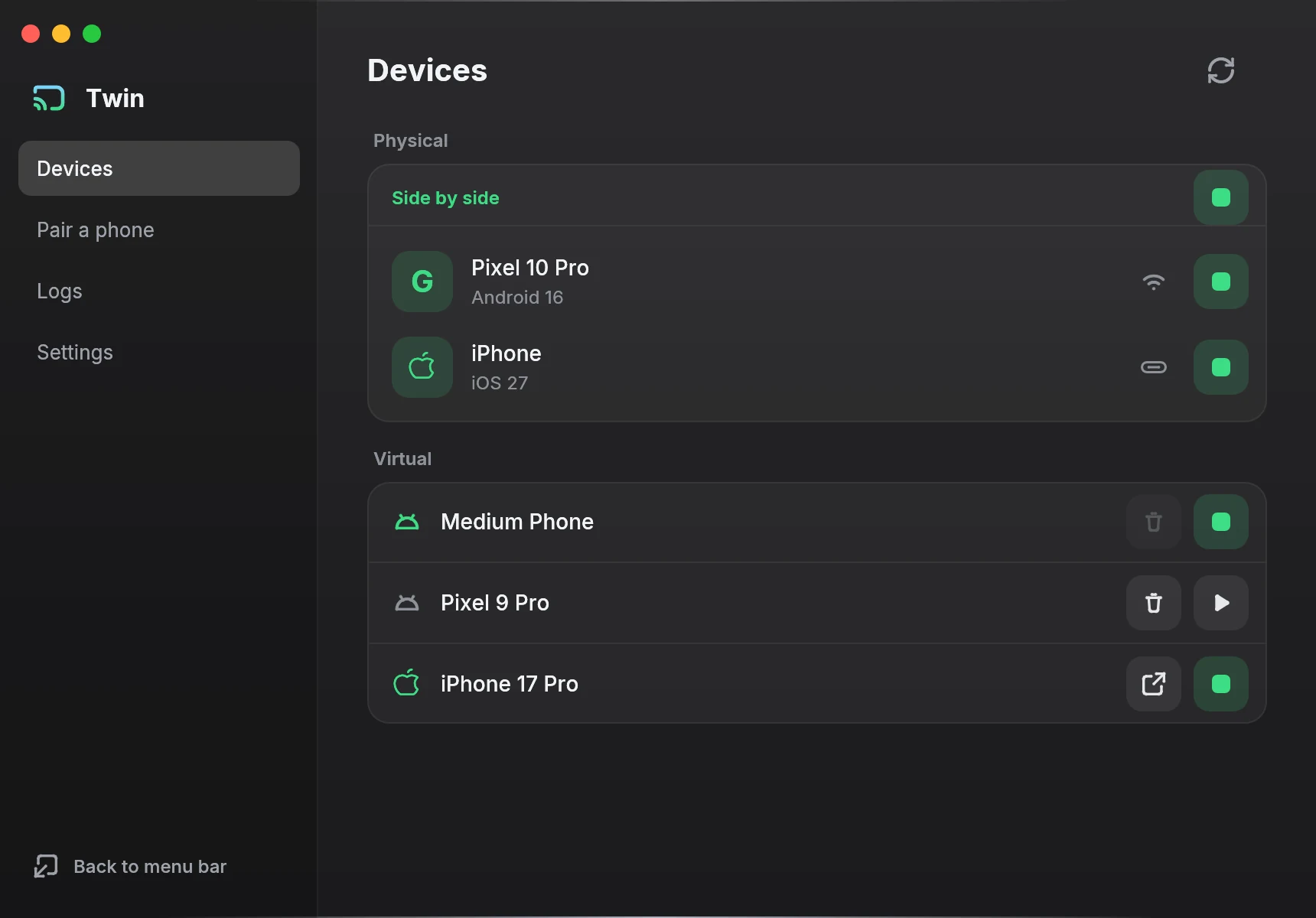
Or keep it open as a window
Open as window turns the popover into a normal Mac window with a sidebar, in the Dock and the app switcher. Back to menu bar folds it away again, and Twin remembers which you used last.
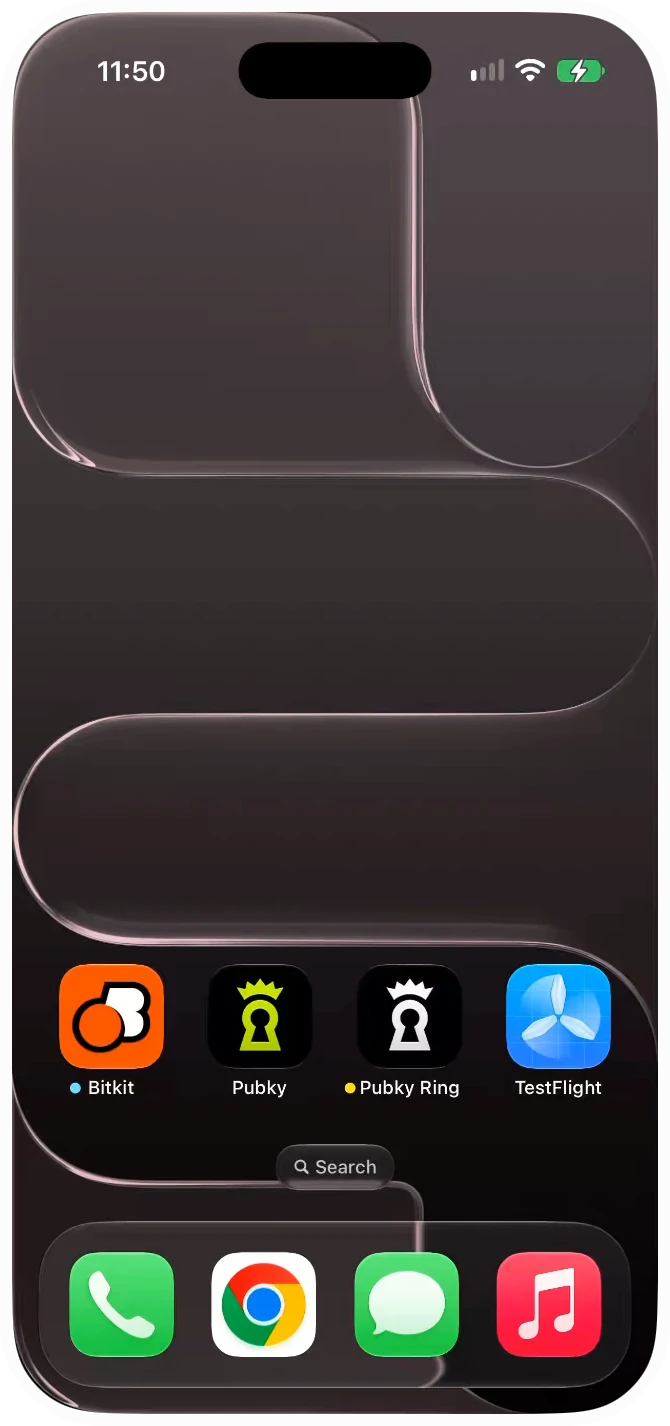
The phone's own shape
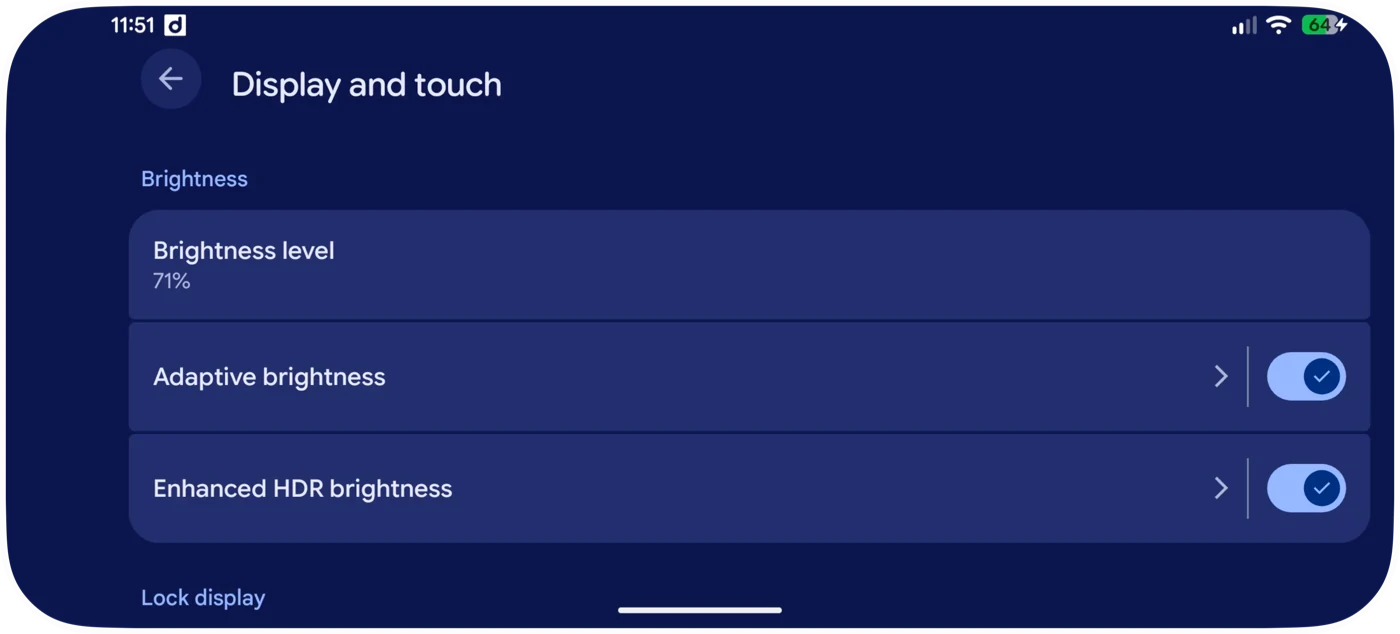
Rounded like the phone, resized from its outline, turning with it. Hold ⌘ for the title bar; the top edge stays the phone's for pull-downs.
Pair with a QR code
Scan the code from Wireless debugging. Twin finds the phone, pairs, connects, and reconnects when it drops.
What you need
Your Mac
Apple silicon, on current macOS.
Android
Android 11+ with developer options on. Nothing else.
iPhone
iOS 27 with Developer Mode, on USB, and Xcode from the App Store.